


My AI tools.
One curious
team.

I’m exploring what happens when AI tools work as a team. My latest experiment, Smart Route, brings them together—to plan, make things, question the result, and learn along the way.

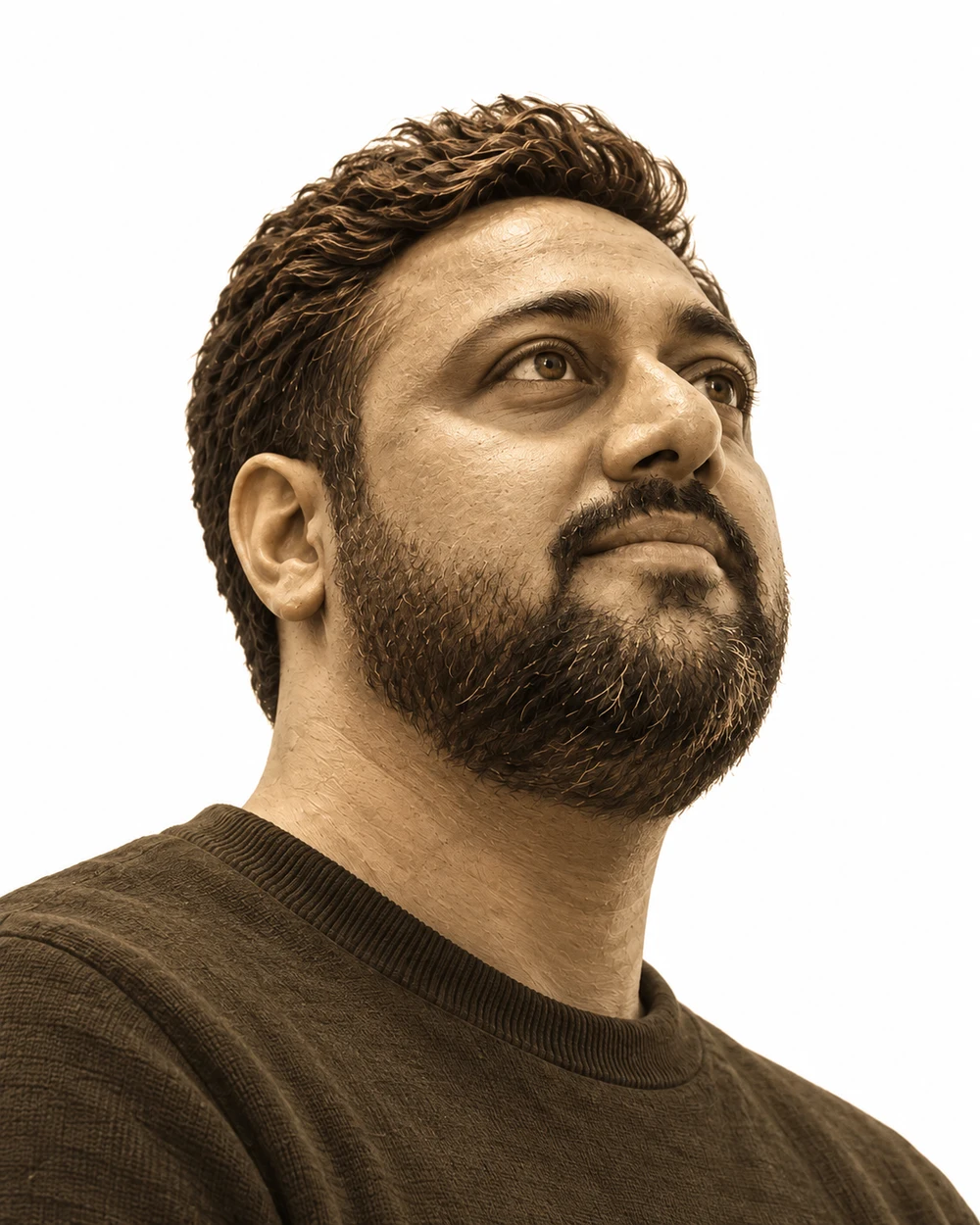
A sculptural sepia portrait inspired by Prasanna’s reference, looking upward as ideas orbit around him
IdeasStart with a real problem
ClaudeMake the brief clearer
PlanningChoose what matters next
CodexTurn the plan into a build
KimiExplore another angle
CursorRefine it with the team
ReviewCheck it solves the problem
IdeasStart with a real problem

01 — CONNECT THE DOTS

LATEST EXPERIMENT / SMART ROUTE

What if my tools
could work together?

  • Claude
  • Codex
  • Cursor
  • Kimi
  • Others

Different tools. Moving forward together.

I like the idea of a team where one mind builds on what another has started—and someone always asks a good question.

That’s what I’m trying to make with Smart Route. It runs locally and gives my AI tools a shared plan, clear roles, and a way to hand work to each other. I stay involved in the decisions that matter.

  • Everyone plays a part. Each tool gets a job: plan, build, or check the work.
  • The thread carries forward. Decisions and notes travel with the task to the next agent.
  • I stay in the loop. Important decisions come back to me with the evidence.
Try a lap around the loop

02 — A LITTLE HANDS-ON EXPLORATION

Here’s how
I connect the dots.

Try a lap around the loop.
It’s a small version of the idea.

INTERACTIVE EXPLANATION · NO LIVE AGENTS

01 / SET THE DIRECTION

I start with an idea.

WOZ, my intake assistant, helps me work out what I’m actually trying to make, what matters, and how we’ll know it’s done.

A shared brief
Sometimes the useful thing is to stop and think.

HOW I TESTED IT

Most of them started
with my daughter.

The real test was a user who doesn’t write specs. Many of the prompts behind my playground came from my daughter as short, simple asks. Smart Route had to ask the follow-up questions, turn her answers into a clear goal, and get the team to build it. I stepped in to polish, never to change what she asked for.

So if some of it feels playful, that’s the point. A plain request goes a long way when the system asks the right questions.

See what she asked for
  1. 01Her askA short, simple request. No spec.
  2. 02The right questionsSmart Route asks what she means, until the goal is clear.
  3. 03The buildThe AI team builds and checks it. I polish the edges.
Meet the roles.See who plans, builds and checks, then follow a task.

03 — THE HUMAN BEHIND IT

Human.
Mostly.

I turn fuzzy ideas
into products people use.

I started as a full-stack developer and grew into product leadership, working on AI platforms, e-commerce at scale, and enterprise software. Code still helps me think, so I keep building.

Smart Route, the playground, even this card: they’re how I learn out loud. Give the card a swing. It says hi back.

PrasannaSTILL CURIOUS. STILL BUILDING.
Human
in the loop
Step into my workspace
SAY HINO. 001
000 HELLOS000 HANDSHAKESGrab it to shake hands. Swing it to say hi.
Getting my card ready…
EVERY SWING IS A HELLO.

Grab the card, give it a swing. I’ll say hi.

FIELD NOTES / PRODUCT × ENGINEERING

PRASANNA VADIVELU

Under the hood.

I build to understand.

The interface is one part of the work. Here are the decisions, trade-offs, and checks behind it.

A SYSTEM, UNPACKED01 / 03
  1. 01
    WORKSPACE

    Intent, constraints & human judgment

  2. 02
    COORDINATION

    Team selection, assignments & review

  3. 03
    EXECUTION

    Local AI & frontier model connections

The unit of progress is a reviewed result.

CONCEPTUAL VIEW OF RESPONSIBILITIES

SMART ROUTE / AI DEVELOPMENT WORKSPACE

A team needs more than models.

How do different AI tools share the work without making the person manage every handoff?

THE PRODUCT DECISION

Make team selection part of intake. Smart Route proposes roles for the task; I can review the team before a coordinator role hands out assignments, runs the agent sessions, and routes work to review. Each task carries its owner and context forward.

THE TRADE-OFF

Orchestration adds overhead. A local worker and a frontier reviewer are useful only when the verified result justifies the time and cost of coordinating them.

INSIDE THE IMPLEMENTATION

From interface to orchestration

A native SwiftUI workspace, a TypeScript coordination service, and provider adapters. A recovery helper (Hermes) and a human control view (Command Center) make recovery and intervention part of the product.

The evaluation I would run

Compare local-only, frontier-only, and mixed teams on the same bounded tasks and acceptance criteria. Track verified completions, elapsed time, model cost, rework, and recovery. This is the evaluation design, not a published performance result.


HOW I WORK

Frame the problem. Build to learn. Verify what changed.

Let’s connect

GOOD THINGS START WITH A CONVERSATION.

Curiosity looks
good on you.

I’d love to show you what I’m building.
Let’s connect on LinkedIn.

Find me on LinkedIn

Share an idea, ask a question, or just say hello.